前言 事情的起因是,我需要一个存放未分类整理知识点,以及收藏转载文章的私人知识库,和 iMaeGoo’s Blog 区别开来。
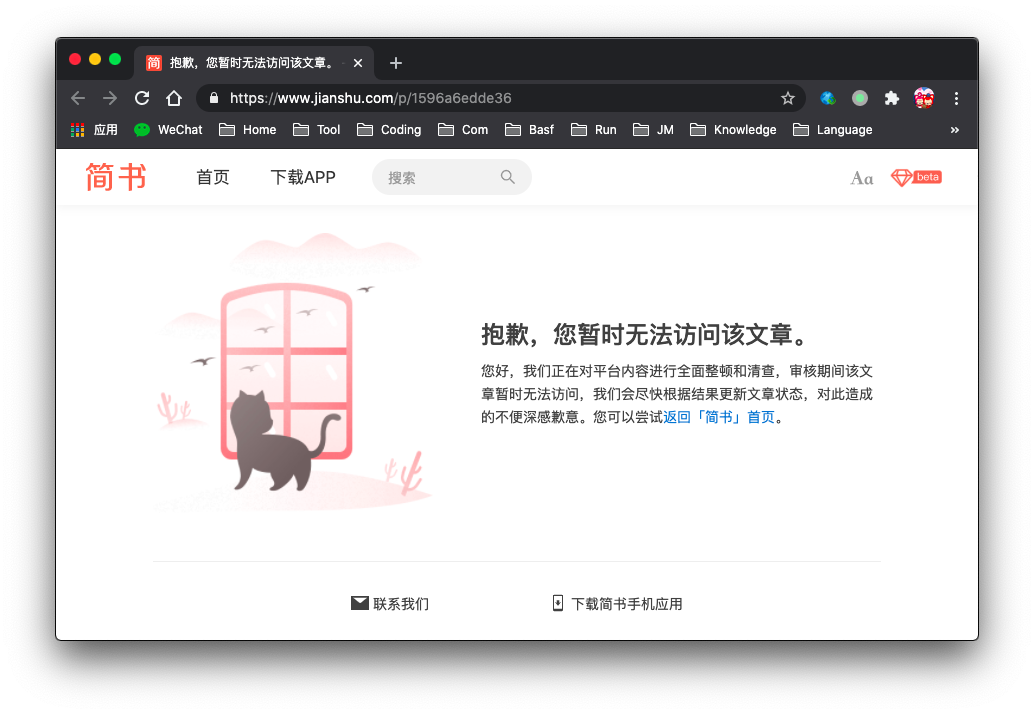
我尝试过简书、语雀、Evernote、OneNote、有道云笔记,对它们的 markdown 支持、导出能力、搜索能力、容量、安全性都有体会。
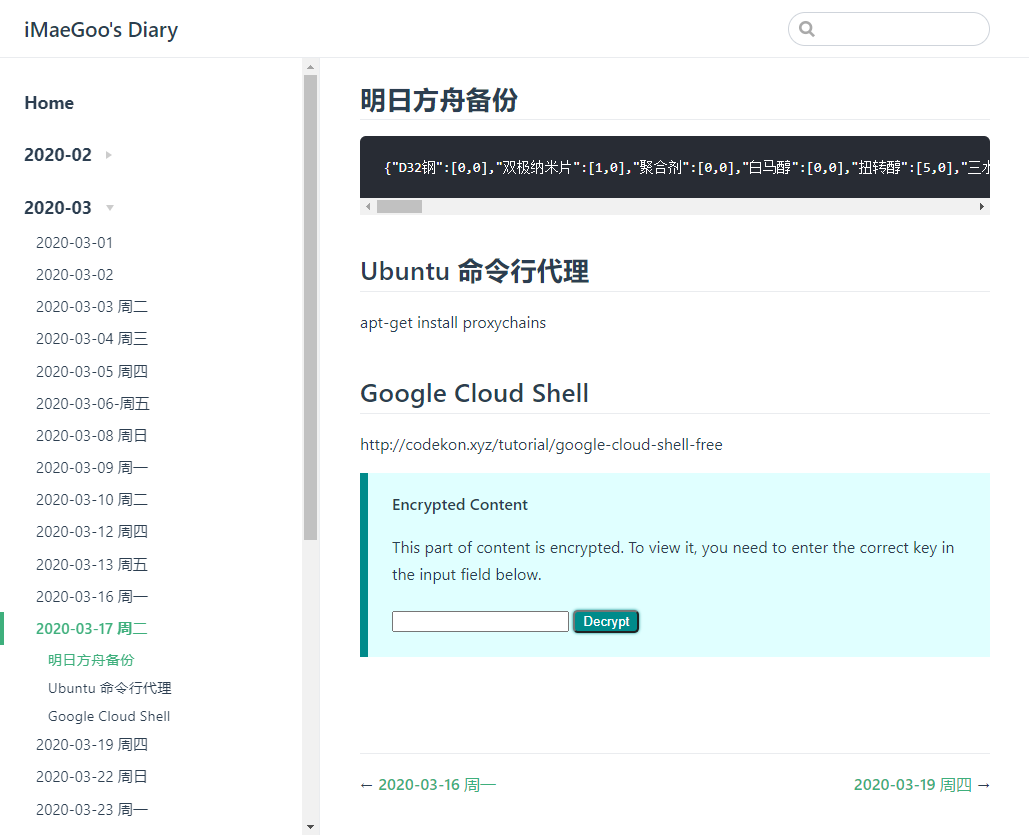
最后我决定建一个私人 Git 仓库,用 markdown 来记笔记。然后通过 CI/CD 自动构建到一个叫 iMaeGoo’s Diary 的 VuePress 网站。写笔记 Notepad + Git 就能搞定,还能自由选择多种多样的 markdown 编辑器,手机端也可以通过在线 IDE 更新内容,VuePress 的搜索非常好用,安全性也完全在自己的掌控范围之内。
反正是知识库嘛,我配置了完全公开,方便自己随时随地查看,但由于是未经整理的知识库,也不建议访客去看啦。
问题就来了,有些笔记包含了敏感信息,怎么在公开的知识库中保护这类信息?
在寻找 VuePress 加密时,我发现了 vuepress-plugin-encrypt 这个好用的插件,使用了 aes-128-ctr 来加密内容,你可以直接查看它的英文官方文档 。
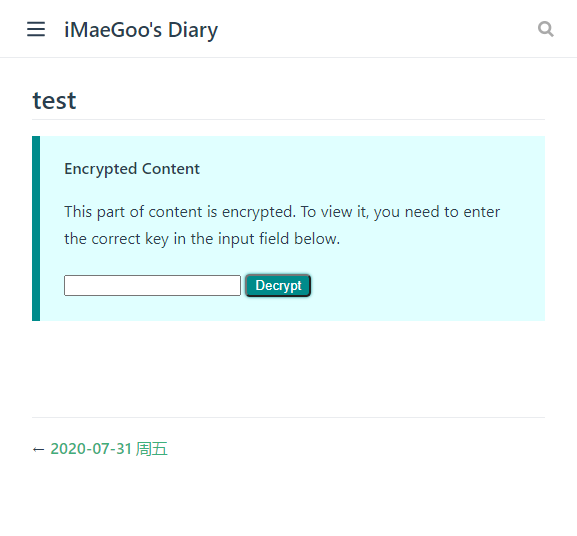
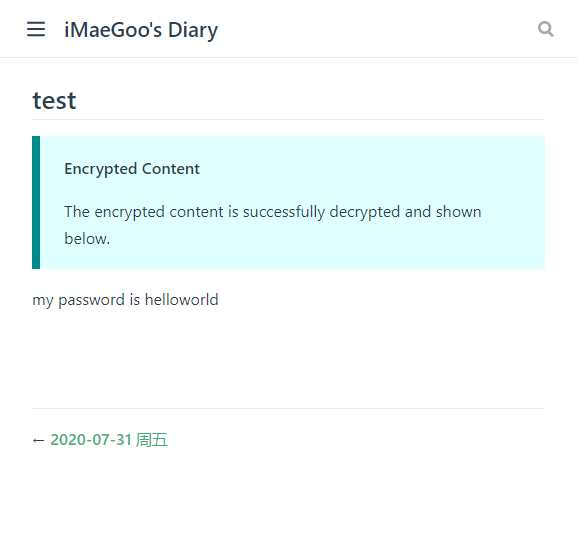
效果
开始使用 在 VuePress 的项目中安装这个插件 command 1 yarn add -D @oak-tree-house/vuepress-plugin-encrypt
修改配置文件启用插件 .vuepress/config.js 1 2 3 4 5 module .exports = { plugins : [ ['@oak-tree-house/encrypt' ] ] }
修改 package.json 增加加解密的命令 package.json 1 2 3 4 5 6 { "scripts" : { "decrypt" : "encrypt decrypt --source-dir <YOUR_SOURCE_DIR> --key-file keys.json --temp .temp-encrypt" , "encrypt" : "encrypt encrypt --source-dir <YOUR_SOURCE_DIR> --key-file keys.json --temp .temp-encrypt" } }
* 此处基于官方 doc 有改动,命令参数 encrypt 和 decrypt 需要放在最前,否则会遇到错误 error: unknown option '--source-dir'.gitignore 列表
.gitignore 1 2 /keys.json /.temp-encrypt
* 如果你的是安全的私有 Git 仓库,想一起提交密码文件,可以不 ignore /keys.jsonkeys.json
keys.json 1 2 3 4 5 6 { "user" : "imaegoo" , "keys" : { "key" : "mypassword" } }
尝试写一段需要加密的内容 markdown 1 2 3 4 ## test ::: encrypt key=key owners=imaegoo my password is helloworld :::
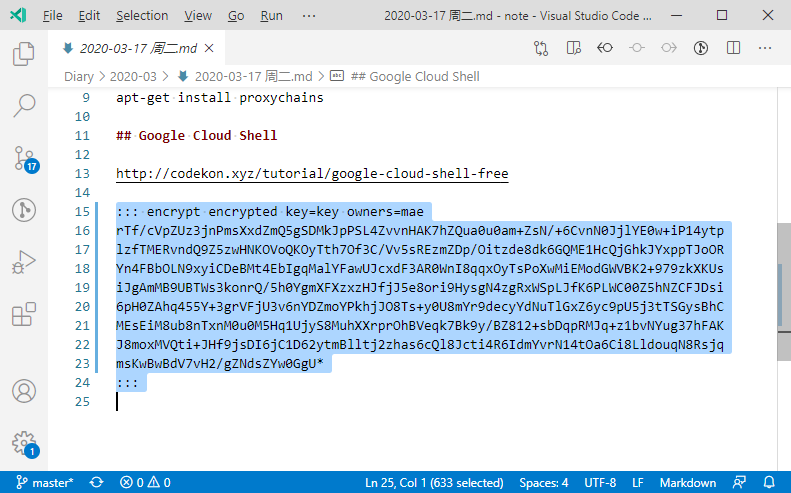
运行 yarn encrypt,你将会发现上一步的内容被自动替换成密文 markdown 1 2 3 4 5 ## test ::: encrypt encrypted key=key owners=imaegoo ZpDkUuyB2+O7/Ga9InossDwIYJVn3I6VbdlNLxiJaU/gCDxnC1kQcgbzC9RqVCZ3ru6fpf3B5wnjKKS R1/miaLoxP4WrCnlYTiL0AeAeLPW0bN+3KqBg2n+fTCqubEFfRZnbKUGvsuZai0vRSW4OYmirew** :::
大功告成,运行 VuePress 开发模式,测试一下吧! 配置 最新的完整配置参见官方文档
.vuepress/config.js 1 2 3 4 5 6 7 8 9 10 11 12 13 14 15 module .exports = { plugins : [ ['@oak-tree-house/encrypt' , { contentTitle : 'Encrypted Content' , unencryptedText : 'The content is shown below. It should be encrypted when published.' , encryptedText : 'This part of content is encrypted. To view it, you need to enter the correct key in the input field below.' , decryptedText : 'The encrypted content is successfully decrypted and shown below.' , decryptButtonText : 'Decrypt' , decryptFailText : 'Failed to decrypt!' , unencryptedIcon : undefined , encryptedIcon : undefined , decryptedIcon : undefined }] ] }